.avif)
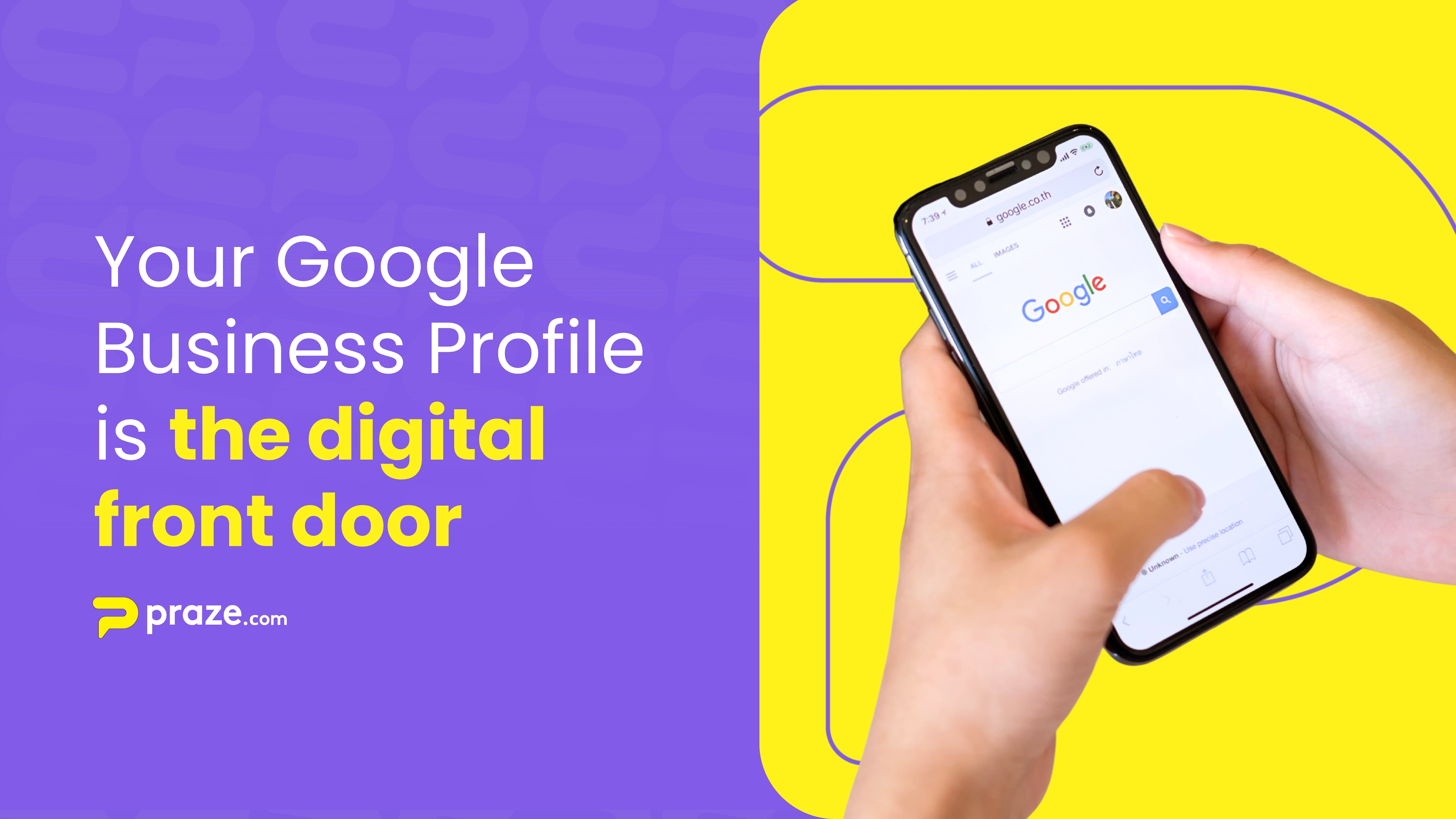
If your business isn’t visible on Google, it’s invisible to most customers.
Your Google Business Profile isn’t just a listing, it’s the digital front door to your brand. It’s where potential customers decide whether to call, visit, or move on.
Setting it up correctly is the first step toward building a strong online reputation, and once your profile is live, Praze helps you take it even further by collecting, managing, and analyzing the feedback that fuels growth.
Many small businesses want more Google reviews but skip the most important step: having a complete, verified, and optimized Google Business Profile.
Without it:
Even worse, your customers might still be leaving reviews, just not where you can see or respond to them. A well-built Google Business Profile gives you control, visibility, and credibility, setting the stage for authentic engagement.
Google isn’t just a search engine, it’s the new word-of-mouth network.
When customers search for “best catering near me” or “local delivery service,” Google ranks businesses based on three factors: relevance, distance, and reputation.
A complete Business Profile improves all three. It helps Google understand what you do, where you operate, and how customers feel about your service. In other words, your profile becomes the launchpad for both discovery and trust.
Go to Google Business Profile Manager and sign in with your business email. Search for your business name, if it already exists, claim it. If not, click “Add your business.”
Then:
Google will send you a verification code (by postcard, phone, or email). Once verified, your profile goes live.
This is where you turn a simple listing into a customer magnet.
These small details help Google connect you with more people searching for what you offer.
Once your profile is active, enable customer reviews and direct messaging. This allows customers to share their experience, and gives you the chance to respond.
Here’s where the real growth begins.
Once your Google Business Profile is live, connect it with Praze to automate and amplify your reputation strategy:
Coming soon:
Praze’s self-onboarding and Zapier integration will make connecting your Google account even easier, unlocking automations that bring feedback, insights, and visibility together in one place.
When your Google Business Profile and Praze work together, the results are measurable:
Behind every review is a story, and behind every story is a customer experience worth improving.
Your next great review starts with your Google Business Profile. Build it, verify it, and connect it to Praze to turn customer feedback into your most powerful marketing tool.
Connect your Google Business Account to Praze today and start transforming visibility into growth.